
☀️ Cool Down Your Greenhouse — 5% OFF On Kits — CODE: WINTER5
Arduino · ESP32 · Hydroponics automation

Arduino Hydroponics Automation DIY Guides

Build a DIY automated hydroponics system with Arduino or ESP32. Start with offline code, upgrade to GEIA smart automation, or keep coding while using GEIA as your grow automation platform.

  • Arduino Compatible
  • ESP32
  • ESP8266
  • Use your own Sensors
geia.diy

STACK DIY automation paths

Path 1: offline Arduino timer controller
Path 2: GEIA firmware + mobile app automation
Path 3: developer mode with MQTT / REST API

Goal: lights, pumps, fans, sensors, alerts, charts
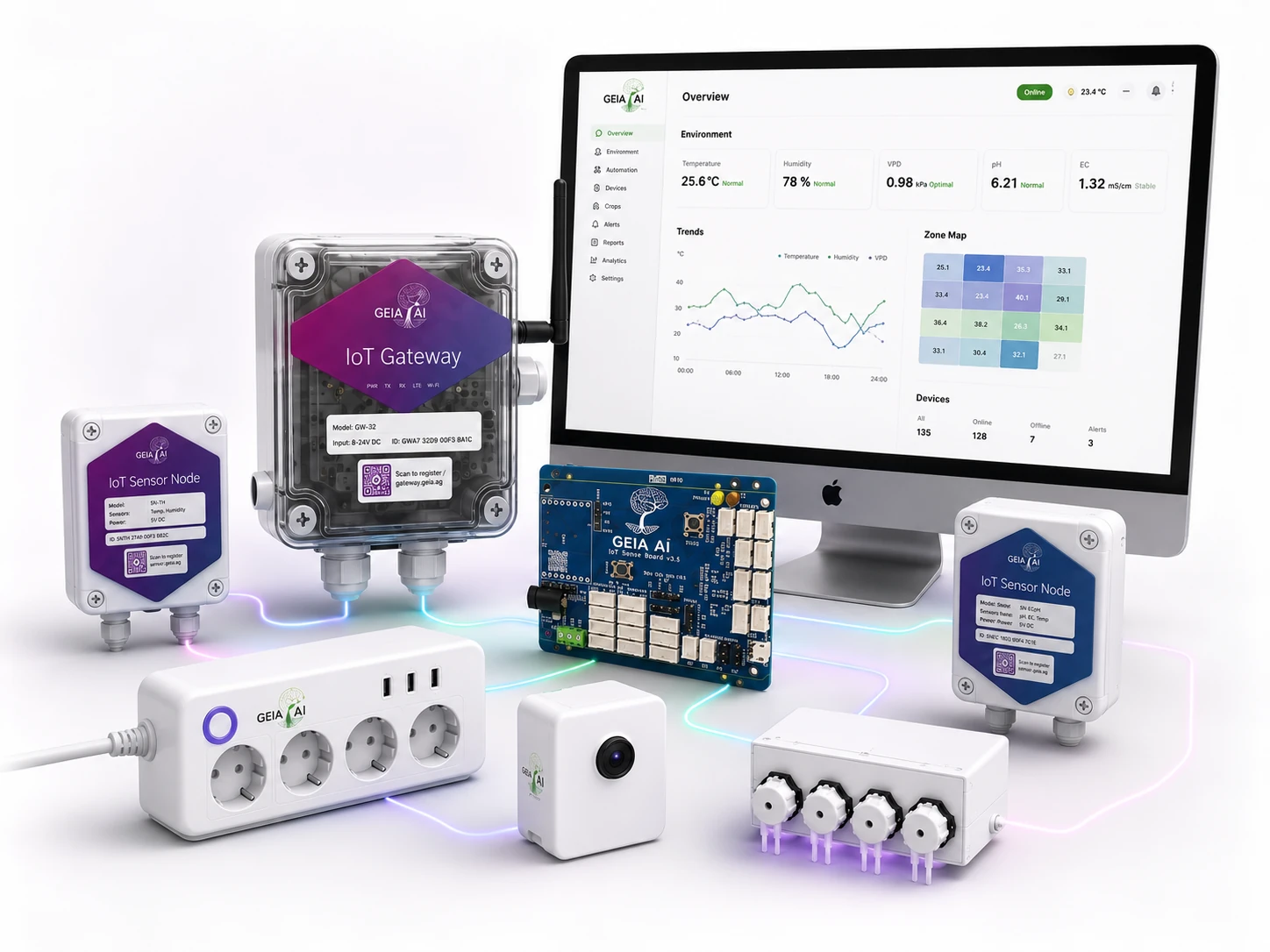
Your Hardwareusing Free GEIA Platform
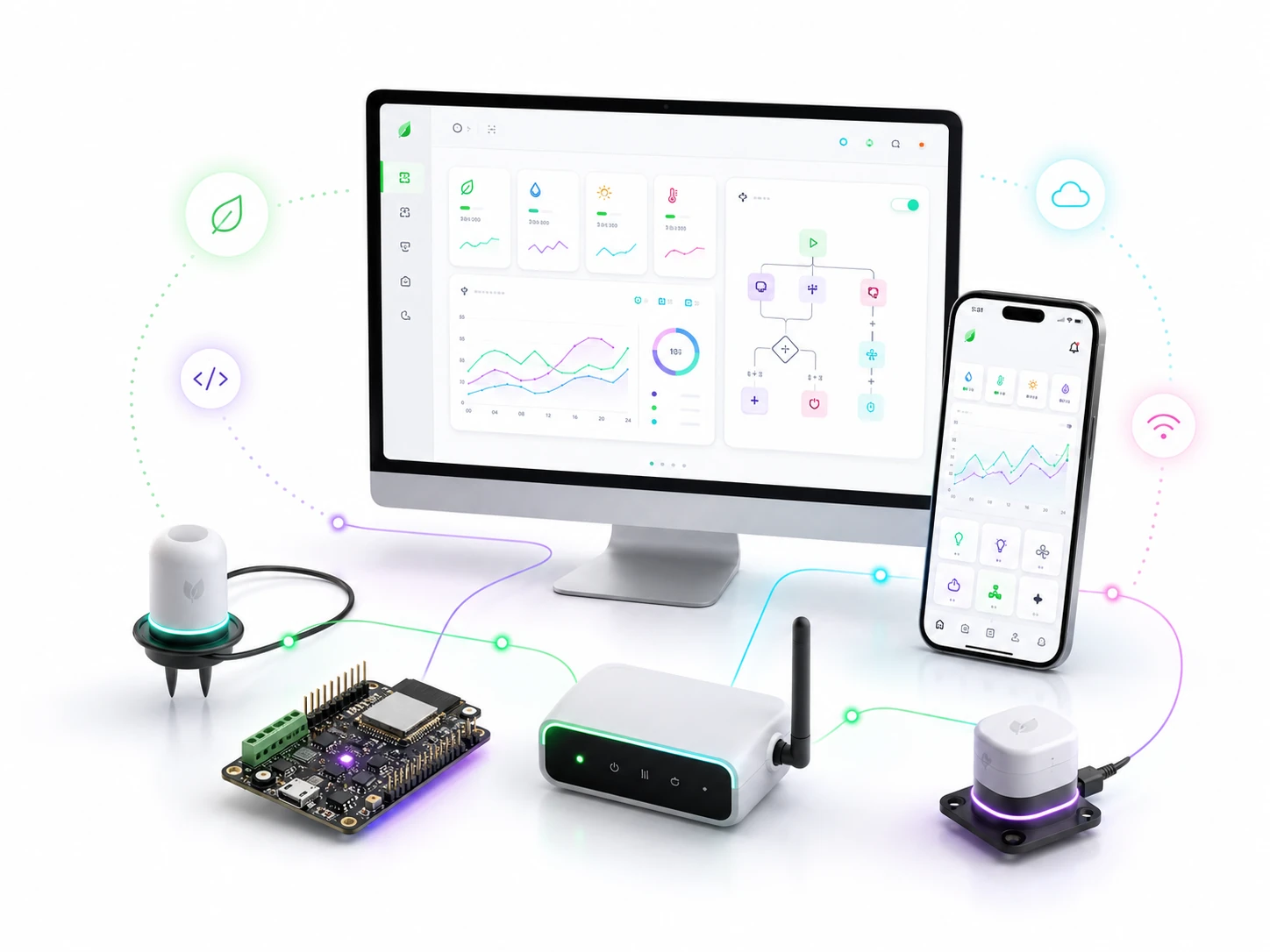
Your Codeusing Free GEIA Platform
LightsTimers or automation rules
PumpsIrrigation and dosing
SensorsClimate and water data
DataCharts, alerts and logs
Start here

What kind of DIY hydroponics automation do you want to build?

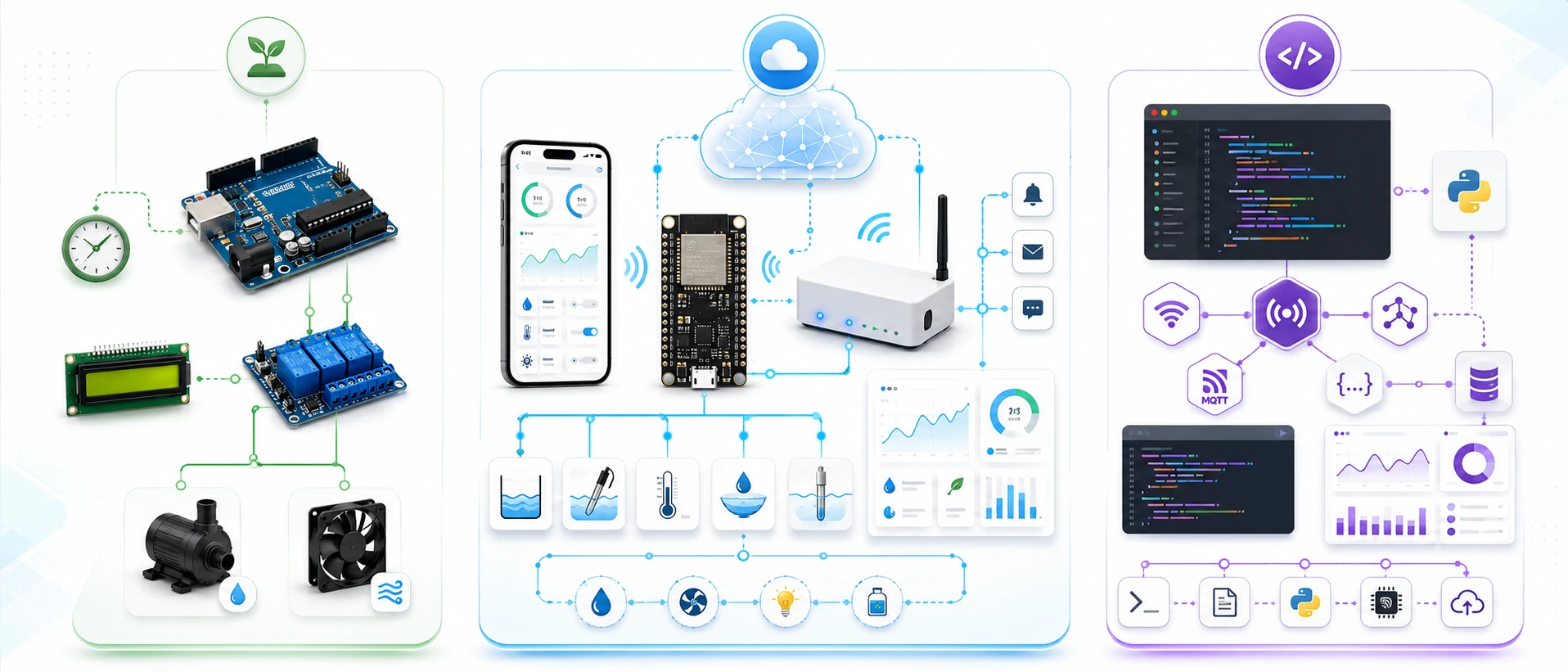
Some visitors want a simple Arduino script with no service. Others already have ESP32 or Arduino-like hardware and want GEIA to turn it into a real app-connected automation system. Developers can keep coding while using GEIA for dashboards, logs, alerts, MQTT and REST API access.

Three DIY hydroponics automation paths: offline Arduino, smart GEIA system and developer mode
01 Basic Offline Arduino timer, LCD, relays, local sensors
02 Smart GEIA System Firmware, app, charts, alerts, automation
03 Developer Mode Custom code, MQTT, REST API, GEIA platform
🏕️
Code only

Basic Offline Arduino Script

For users who want code only, no cloud and no service.

Build a standalone Arduino or ESP32 controller using timers, relays and local sensor display. It can run lights, pumps and fans without GEIA, Wi-Fi or subscription.

Good for

Learning, experiments, small grow boxes and users who only want a simple offline script.

You get
  • Works without internet
  • Timer-based light, pump and fan control
  • Simple LCD or serial monitoring
  • No account or platform setup
Limits
  • No mobile app or remote control
  • No charts, history or alerts
  • No multi-node sensor logic
  • No integration with other GEIA devices
Read Offline Arduino Guide
Recommended

Smart GEIA System

For users with Arduino-like hardware who want quick real automation.

Flash GEIA firmware or use a GEIA board to get app pairing, sensor automation, remote control, charts, alerts and online/offline automation paths.

Good for

Users who want their hardware to become a real smart hydroponics automation system without rebuilding everything.

You get
  • Mobile app and device pairing
  • Sensor-based automation
  • Remote control
  • Charts, data history and alerts
  • Online + local/offline automation paths
Limits
  • Requires GEIA account setup
  • Critical automation needs reviewed hardware mappings
Use GEIA Firmware
Advanced

Developer Mode

For developers who still want to code but need a platform.

Keep full control with custom Arduino, ESP32, Python or server scripts while GEIA provides the app, dashboards, advanced automation layer, logs, charts, alerts, MQTT and REST API.

Good for

Developers, hired engineers, labs and advanced users who want custom logic without rebuilding the backend.

You get
  • Full control over firmware and automation logic
  • MQTT integration and REST API access
  • Custom scripts, sensors and payloads
  • GEIA app, logs, charts and alerts
Limits
  • Requires coding and advanced setup
  • You are responsible for safety logic and testing
Developer Mode Guide
Compare paths

Basic script, smart platform or developer mode?

Start with the path that matches your goal. You can begin with a simple Arduino build and later move toward GEIA firmware, MQTT/API integrations or custom automation code.

Feature Basic Offline Smart GEIA System Developer Mode
Works without internet Requires GEIA GrowHub ~ if designed locally
Mobile app × through GEIA
Automation type Timers + local code Sensor automation + app rules Custom code + GEIA platform
Charts and history ×
Alerts and monitoring ×
Multi-node integration ×
Remote control ×
MQTT / REST API × ~ mostly hidden from user
Coding required ~ minimal / firmware path
Best for Learning and simple standalone builds Growers who want quick real automation Developers and advanced custom systems
MONITOR • AUTOMATE • LEARN

See what your Arduino grow system can monitor and automate

Connect your own sensors and controllers to GEIA, apply your automation settings and keep the resulting data, alerts and grow history together.

Air & climate
Water & nutrients
GEIAClimate balanced24.2°C · 68% RH · VPD 0.92
System & intelligence
1 Sensors observe2 Your settings decide3 GEIA acts & records
Use cases

Use GEIA from small DIY builds to real growing systems

Start with an Arduino or ESP32 project, then grow into sensors, logs, alerts, remote control and multi-node automation when your setup becomes more serious.

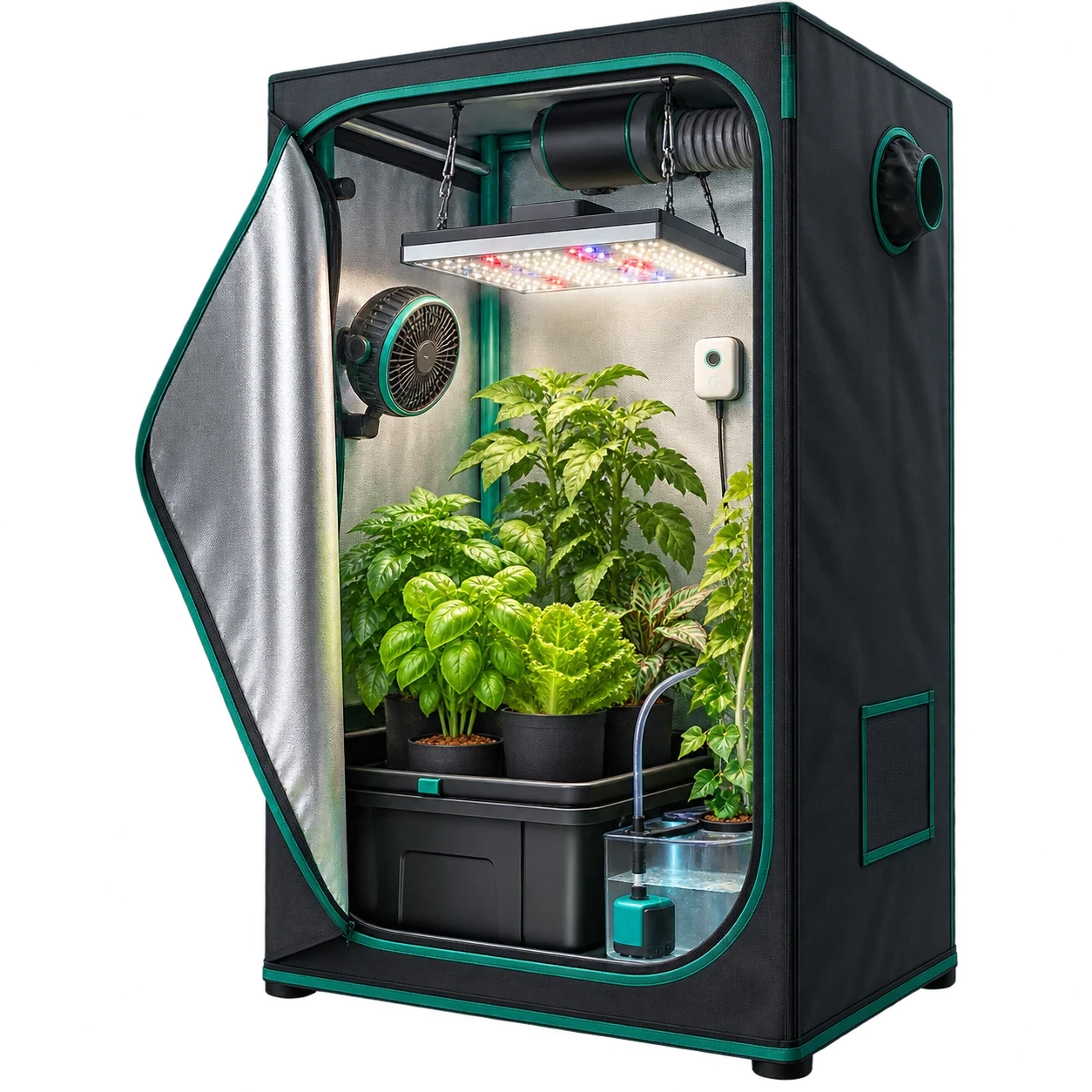
Grow tents and grow boxes< Grow box

Grow tents and grow boxes

Automate lights, ventilation, watering and basic climate monitoring in small indoor grow setups.

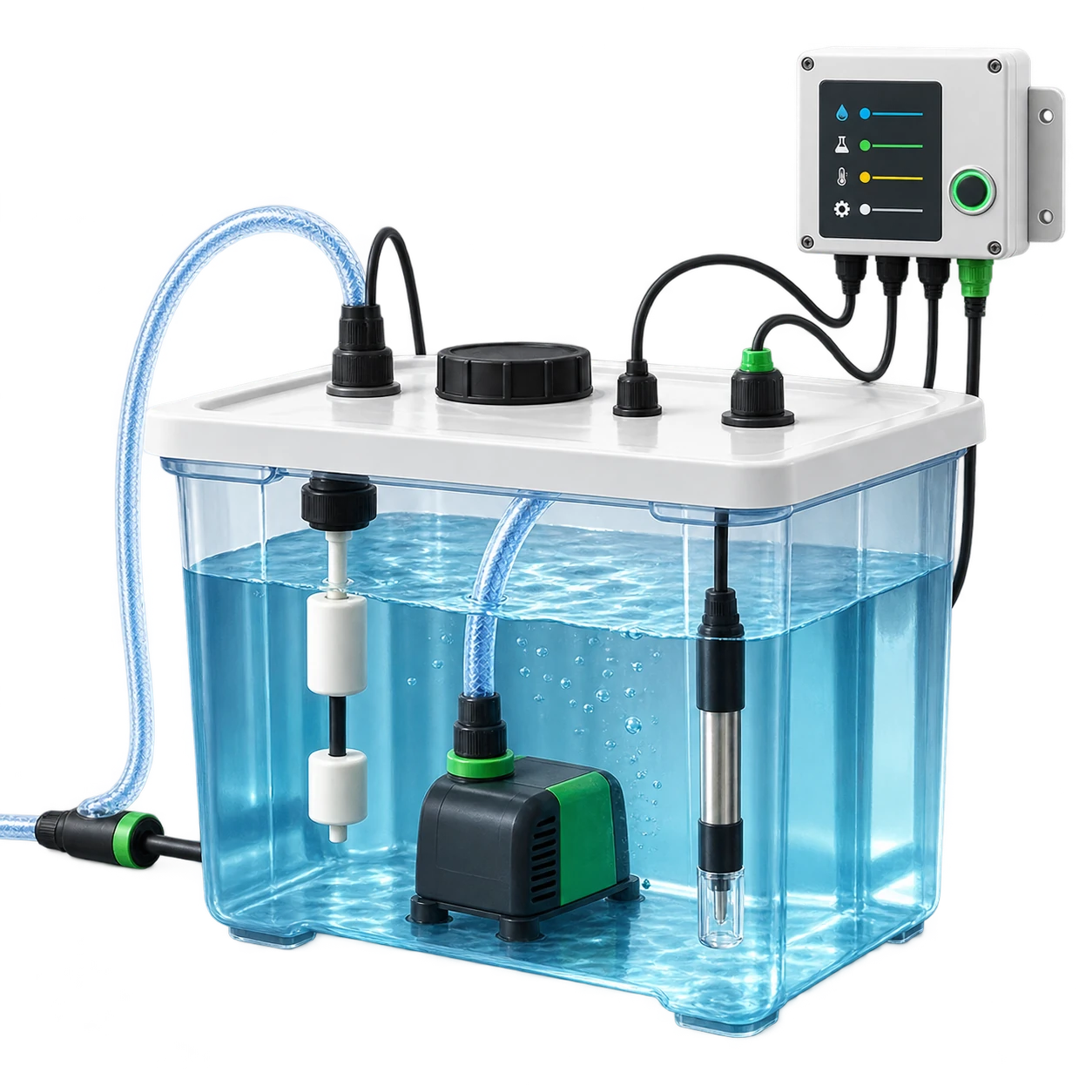
Hydroponics reservoirs Reservoir

Hydroponics reservoirs

Track water temperature, water level, pump status and nutrient-related workflows.

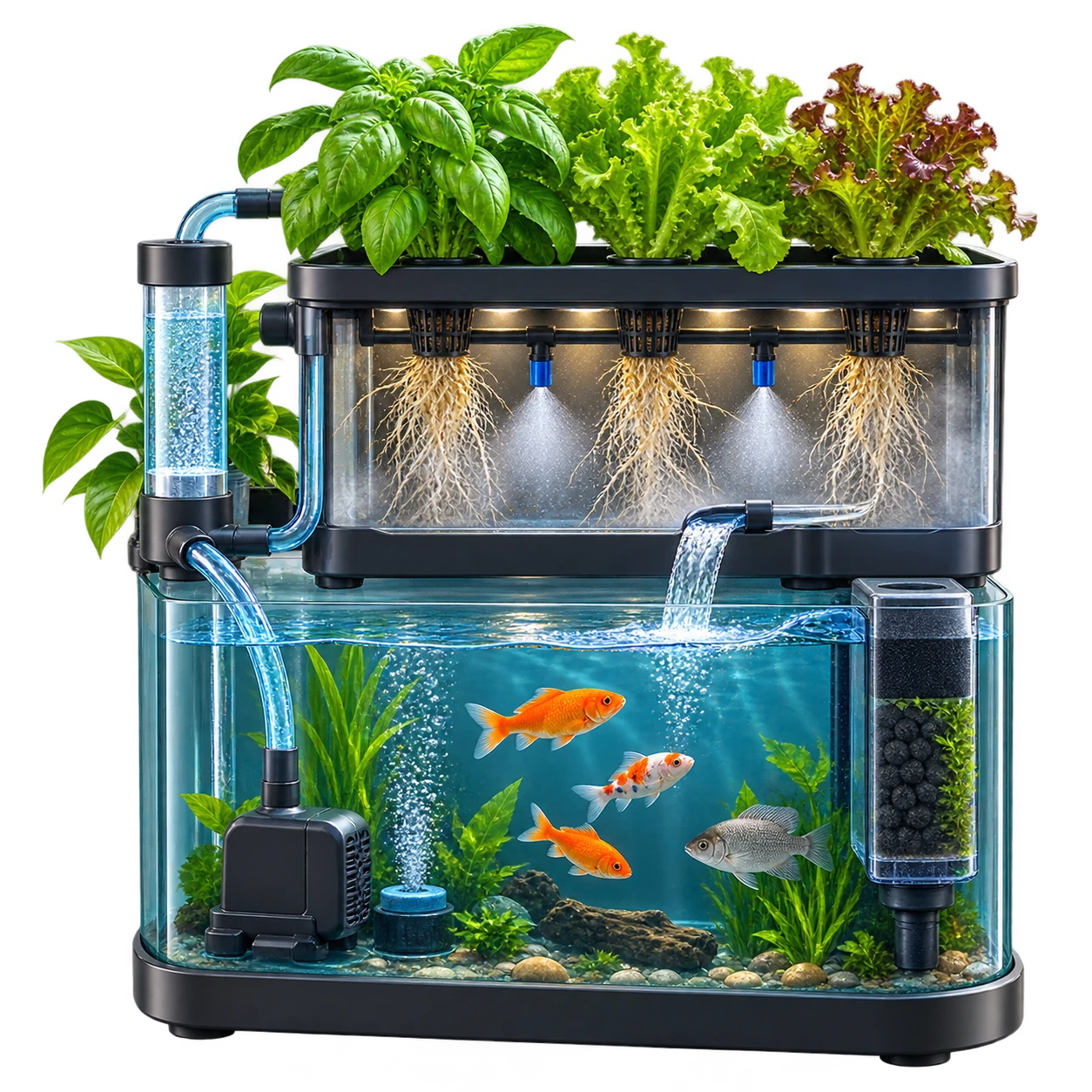
Aquaponics and aeroponics Water systems

Aquaponics and aeroponics

Connect pumps, misting, oxygenation, water sensors and environmental monitoring.

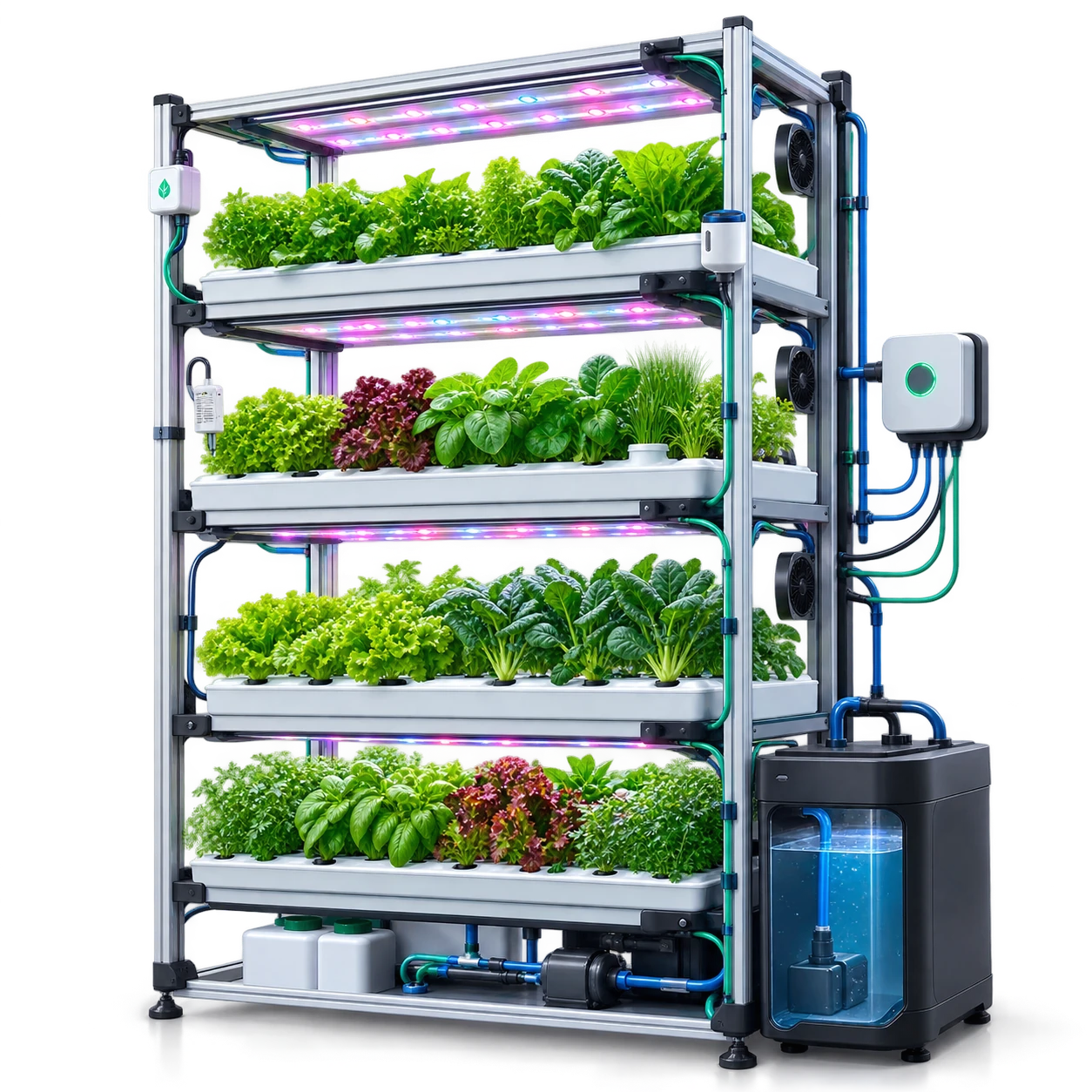
Indoor farms and vertical farms Scale up

Indoor farms and vertical farms

Move beyond one box with multiple sensors, nodes, relays, zones and data history.

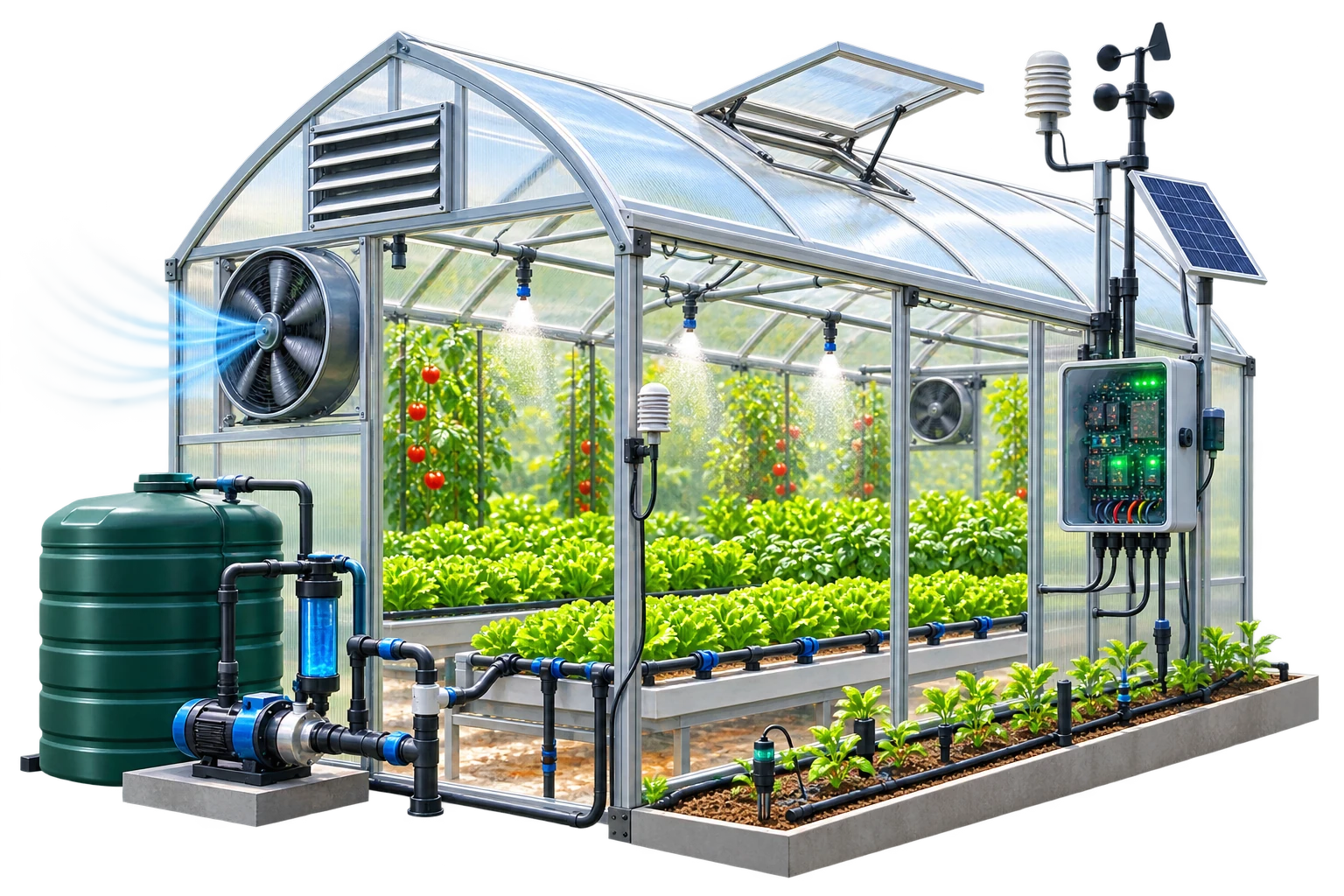
Greenhouses and grow beds Greenhouse

Greenhouses and grow beds

Use compatible devices for irrigation, fans, vents, temperature, humidity and VPD workflows.

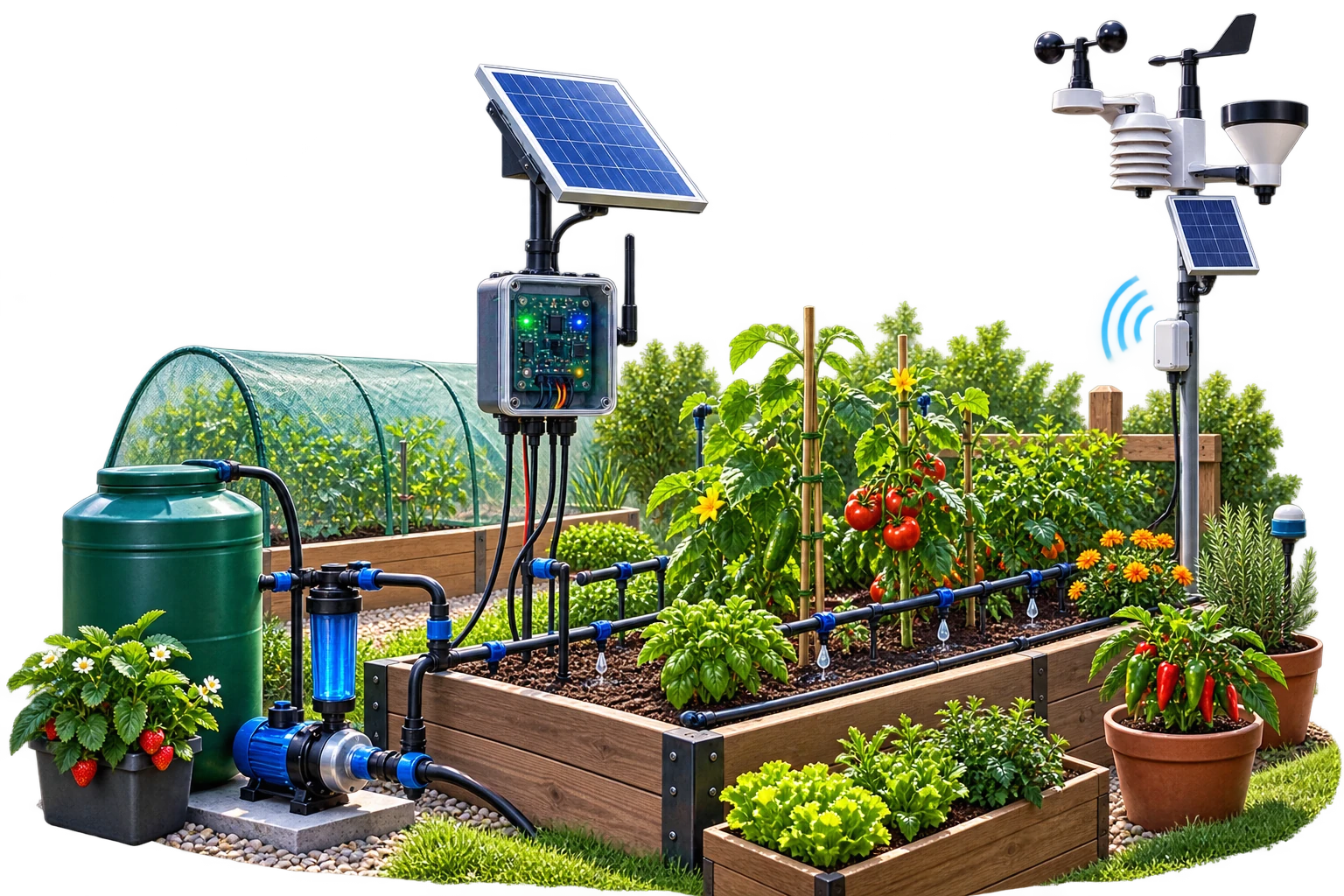
Home gardens and horticulture Garden

Home gardens and horticulture

Start simple with sensor logging and reminders, then add automation when needed.

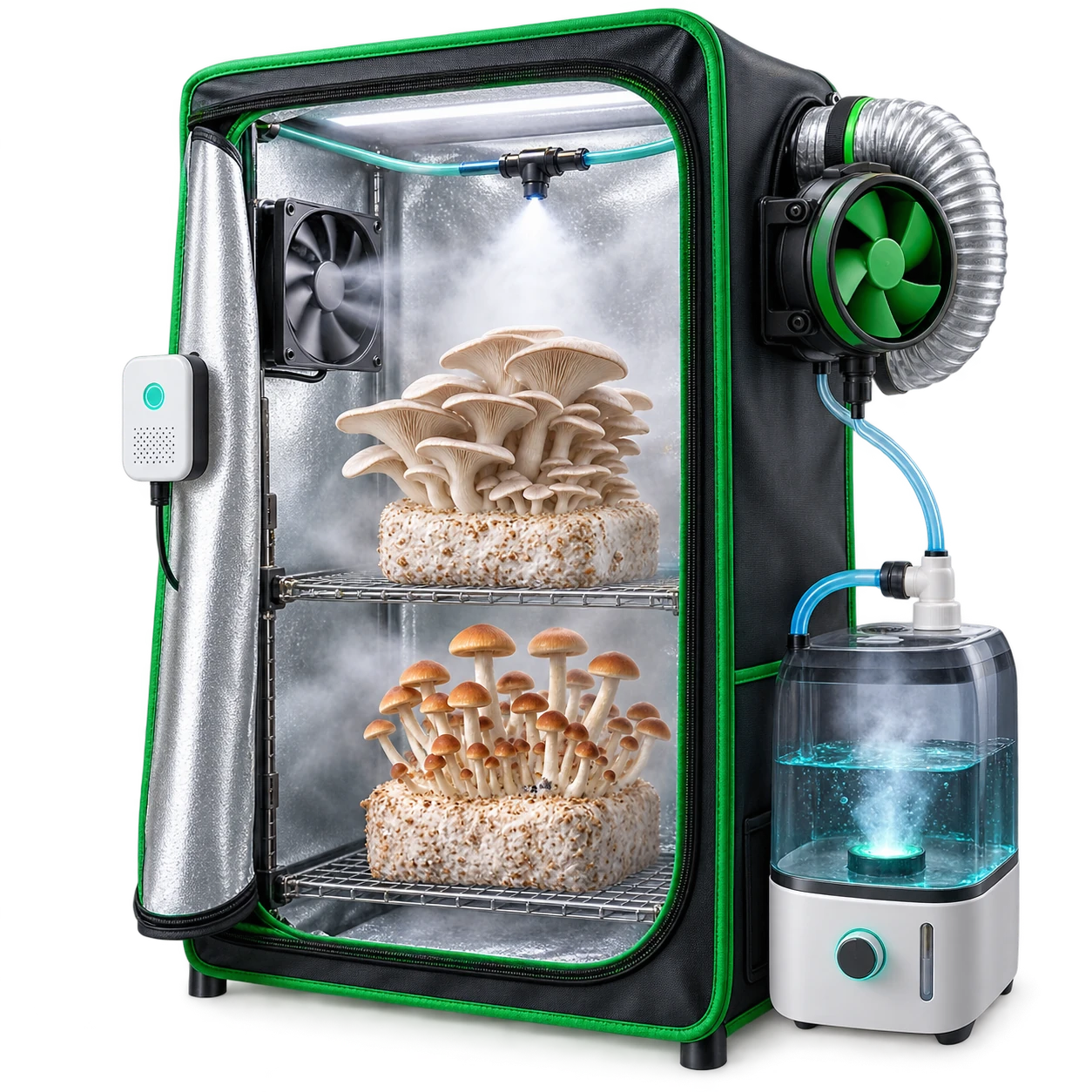
Mushroom grow setups Humidity

Mushroom grow setups

Monitor humidity, temperature, ventilation and misting cycles for controlled grow rooms.
See External guide: GroCycle

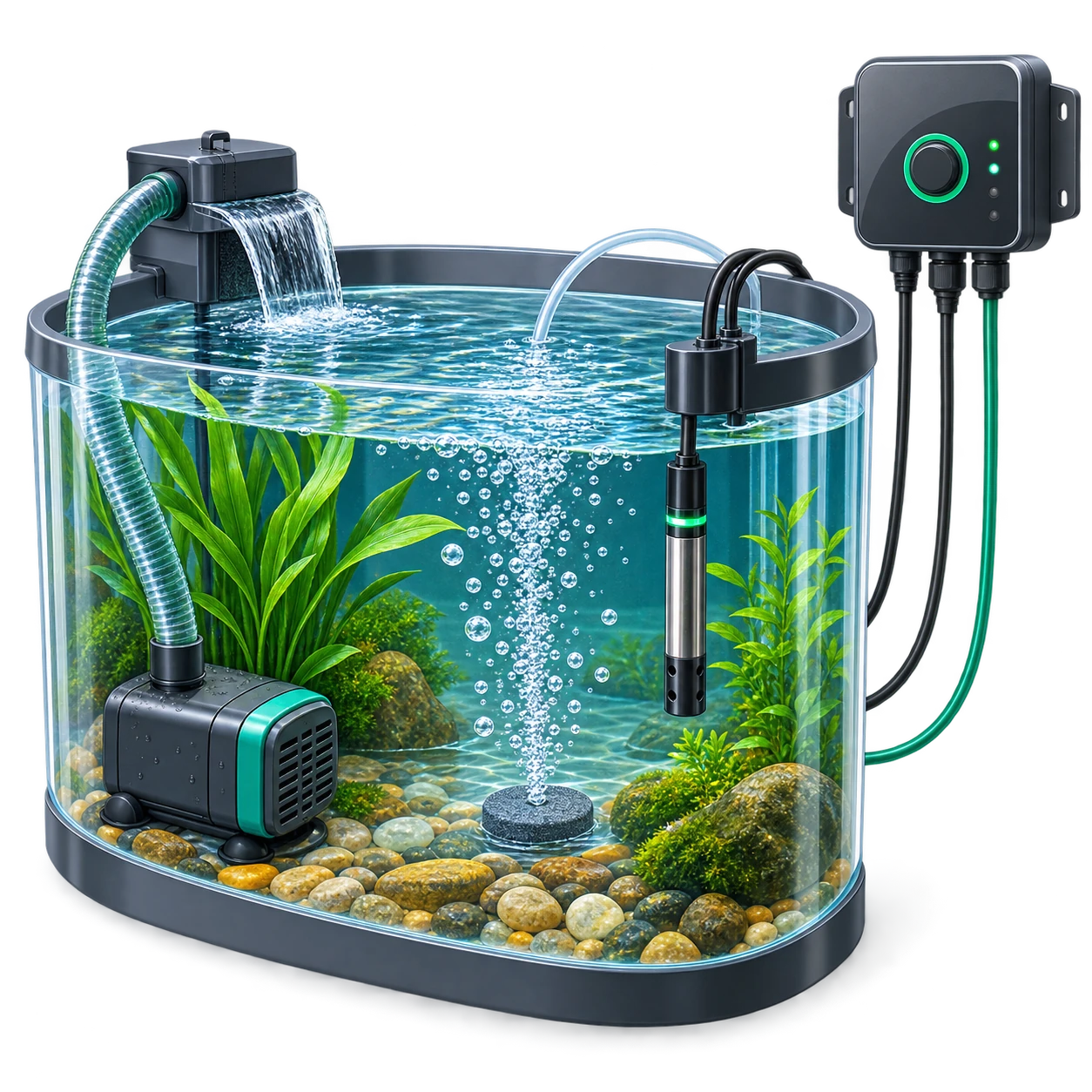
Aquariums, ponds and water treatment Water

Aquariums, ponds and water treatment

Use GEIA-style monitoring for water level, temperature, pumps, aeration and alerts.

Choose your start point

Start free, start faster, or build for others

GEIA can support different DIY growers: users with their own ESP32 boards, growers who prefer plug-and-grow hardware, and developers who want to publish scripts, integrations or automation examples for other users.

💻
Software first

Start With Software - It’s Free

Already have a compatible ESP32, ESP8266 or Arduino-like board? Use GEIA firmware or MQTT/API examples to bring your hydroponics project into the GEIA platform.

  • Use your own compatible board
  • Pair devices with the GEIA app
  • Start logging, alerts and automation faster
  • No hardware purchase required to begin
Developers

Publish Scripts & Integrations

Built an Arduino sketch, ESP32 firmware, Python script, MQTT bridge or automation example? Submit it to GEIA so other growers can learn from it or use it as a community path.

  • Share example automation code
  • Submit MQTT/API integrations
  • List compatible scripts or devices
  • Join the GEIA ecosystem
Developer examples

Code your own logic, use GEIA as the platform

Developer Mode is for users who still want Arduino, ESP32, Python or custom server code, but want GEIA to provide the app, device data, charts, logs, alerts, MQTT and REST API layer.

MQTT

Universal Node: MQTT Sensor + Relay

Publish sensor readings to GEIA and receive relay ON/OFF commands from MQTT.

// Universal MQTT node idea
// 1. Read a sensor
// 2. Publish value to GEIA
// 3. Listen for relay commands

const int RELAY_PIN = 5;
unsigned long lastRead = 0;

void onMqttMessage(String topic, String payload) {
  if (topic.endsWith("/relay/1/set")) {
    if (payload == "ON") {
      digitalWrite(RELAY_PIN, HIGH);
    } else if (payload == "OFF") {
      digitalWrite(RELAY_PIN, LOW);
    }
  }
}

void loop() {
  mqttLoop();

  if (millis() - lastRead > 10000) {
    lastRead = millis();

    float temp = readTemperatureSensor();

    publishMqtt(
      "geia/device/YOUR_DEVICE_ID/sensor/temperature",
      "{\"value\":" + String(temp) + ",\"unit\":\"C\"}"
    );
  }
}
REST API

Logging Code: HTTPS + Authentication

Log sensor and relay states to GEIA over HTTPS using a device token.

// HTTPS logging idea
// POST readings into GEIA with authentication

POST /api/v1/device/readings
Authorization: Bearer YOUR_DEVICE_TOKEN
Content-Type: application/json

{
  "device_id": "YOUR_DEVICE_ID",
  "readings": [
    {
      "sensor_key": "water_temperature",
      "value": 22.4,
      "unit": "C"
    },
    {
      "sensor_key": "pump_relay",
      "value": 1,
      "unit": "state"
    }
  ]
}
Automation

Sample Arduino Automation Function

Keep your own logic while GEIA receives data and can show logs, charts and alerts.

// Simple automation function idea
// Add your own safety checks before running real equipment.

const int PUMP_RELAY = 5;
const int FAN_RELAY = 4;

void automationTick(float airTemp, float humidity, float waterTemp) {
  bool pumpAllowed = true;
  bool fanAllowed = true;

  // Example safety limits
  if (waterTemp > 28.0) {
    pumpAllowed = false;
  }

  // Example timed irrigation logic
  if (pumpAllowed && shouldWaterNow()) {
    digitalWrite(PUMP_RELAY, HIGH);
  } else {
    digitalWrite(PUMP_RELAY, LOW);
  }

  // Example climate logic
  if (fanAllowed && airTemp > 29.0) {
    digitalWrite(FAN_RELAY, HIGH);
  } else {
    digitalWrite(FAN_RELAY, LOW);
  }
}
Developer Mode gives you control, but also responsibility.

Always test relays, pumps, dosing, heaters, CO₂, fans and valves with timeouts, manual overrides, sensor limits and fail-safe logic before using them on a real grow system.

Integration-ready

Build beyond one Arduino sketch

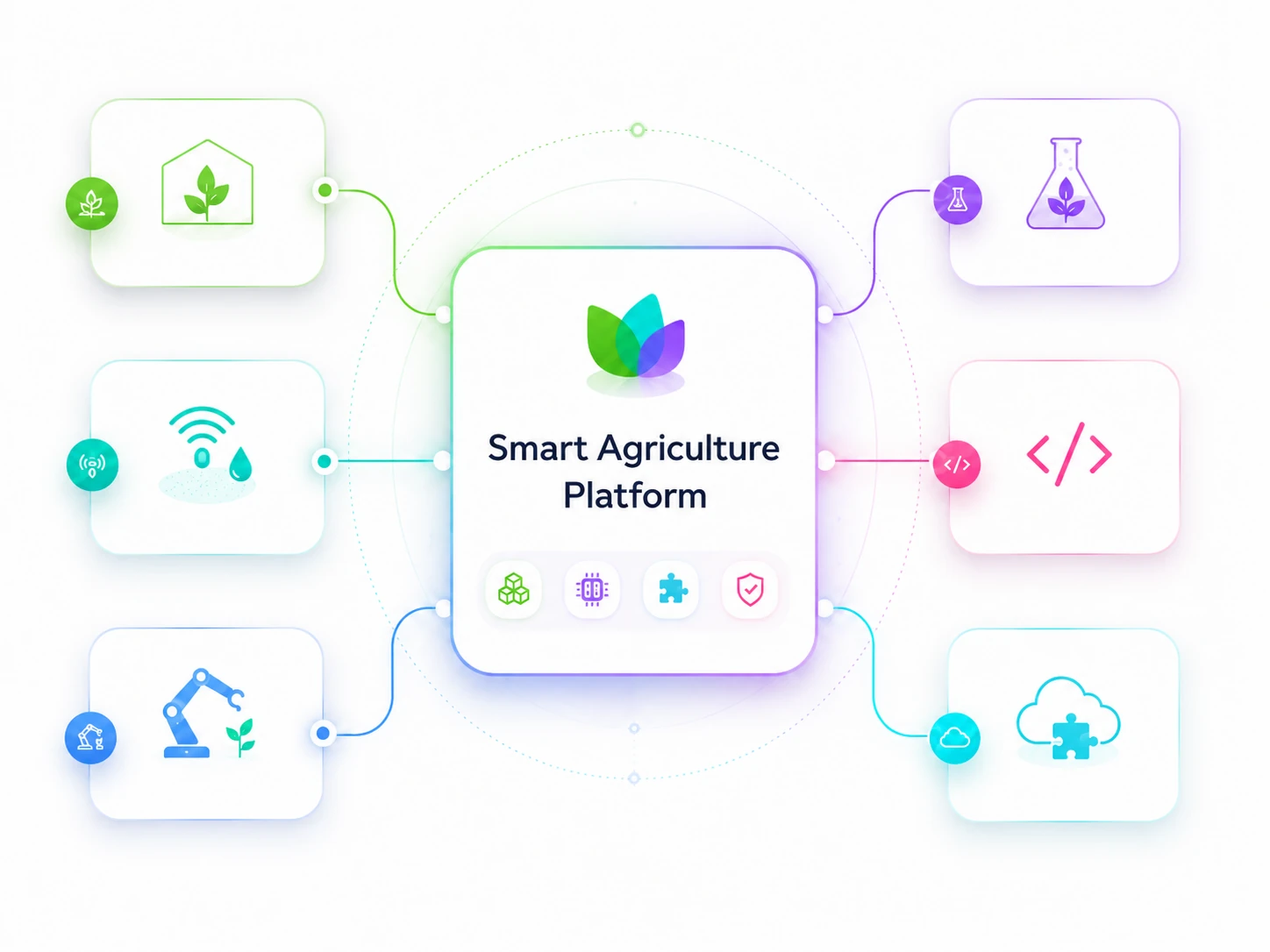
Use GEIA as the platform layer around your hardware, firmware, scripts and third-party tools. Connect devices through GEIA firmware, MQTT, REST API, compatible hardware or future ecosystem integrations.

ESP32 Microcontrollers
Arduino
MQTT integration path
REST API integration path
Python
Node-RED integration path
ROS 2 robotics integration path
Home Assistant integration path
Grafana dashboard integration path
OpenCV robotics integration path
FAQ

DIY hydroponics automation questions

Quick answers for Arduino, ESP32, GEIA firmware, MQTT/API and custom hydroponics automation projects.

An Automated Grow Box is a self-regulating system for indoor farming that controls light, water, and climate. With Arduino Hydroponics, you can use compatible boards (like ESP8266 or ESP32) to connect sensors and relays to monitor and automate hydroponic systems. Our guide and GEIA app make setup easy for both beginners and experienced growers.

Yes. The Basic Offline path is for users who want standalone Arduino or ESP32 code using timers, relays and local sensors without GEIA, cloud, app or subscription.

GEIA adds the parts that are painful to rebuild yourself: device pairing, mobile app control, charts, data history, alerts, dashboards, MQTT/API paths and online/offline automation options.

Yes! You can connect your compatible Arduino/ESP board to GEIA and start using the platform and app for free. The free tier includes the core features you need to get started, with some limits on zones, data logging and advanced functionality.

Yes, depending on the board and firmware path. Some users can flash GEIA firmware, while advanced users can write custom MQTT/API firmware and send data into GEIA.

Yes. Developer Mode lets engineers keep custom Arduino, ESP32, Python or server-side logic while using GEIA for the app, logs, charts, alerts, device data, MQTT and REST API.

Yes! You can connect your compatible Arduino/ESP board to GEIA and start using the platform and app for free. The free tier includes the core features you need to get started, with some limits on zones, data logging and advanced functionality.

Check our Supported Sensors List. ESP-based controllers are compatible with many 3.3–5V sensors using supported interfaces such as I²C, digital, and analog connections. Our custom microcontroller board supports a wider range of sensors and components, including industrial sensors, built-in RS485 devices, and 12V hardware.

If your sensor isn’t listed as supported yet, you still have several options:

If it speaks standard protocols, GEIA can work with it, via built-in support or simple extensions.

Yes. Unsupported sensors can usually start as monitoring and logging devices through custom firmware, MQTT or REST API. Critical automation should use reviewed mappings, calibration and fail-safe rules.

Yes! You can log manually-measured data from your paper testing kits or handheld sensors in the app. However, manual data entries can’t be automated, as attached sensors are required for this.

No, prior experience isn’t required! Our Arduino Hydroponics guide simplifies setup and provides step-by-step instructions to help you create your Automated Grow Box, even if you’re a beginner.

Absolutely! You can add and configure multiple nodes, sensors, and relays to suit your system needs.

No. You can use GEIA without a Grow Hub Gateway. However, a Gateway is recommended for more advanced or critical setups. It keeps your automations running locally when the internet is unavailable, automatically resumes operation after power interruptions, enables multi-zone automation, and provides access to additional edge and advanced features. Without a Gateway, you can still monitor and automate your grow through GEIA, but automation is limited to a single zone and depends more on cloud connectivity.

An Automated Grow Box for Arduino Hydroponics provides precision control over water, light, temperature, and nutrient levels, creating a stable environment with minor fluctuations that reduces plant stress and encourages steady growth. By using the GEIA app, you can easily monitor, adjust, and automate these conditions remotely, lowering the need for constant manual checks. Plus, automated data logging and visualization tools help you identify the “sweet spot” for optimal nutrition absorption, giving insights into when plants use the most nutrients and adjusting accordingly for improved yield and resource efficiency.

Yes, absolutely! While Arduino Hydroponics is a popular application, the GEIA platform supports aeroponics, aquaponics, and even soil-based setups. You can easily integrate sensors for various growing conditions and control all aspects from the app, regardless of your growing method.

Start typing and press Enter to search

Shopping Cart

No products in the cart.

en_US